
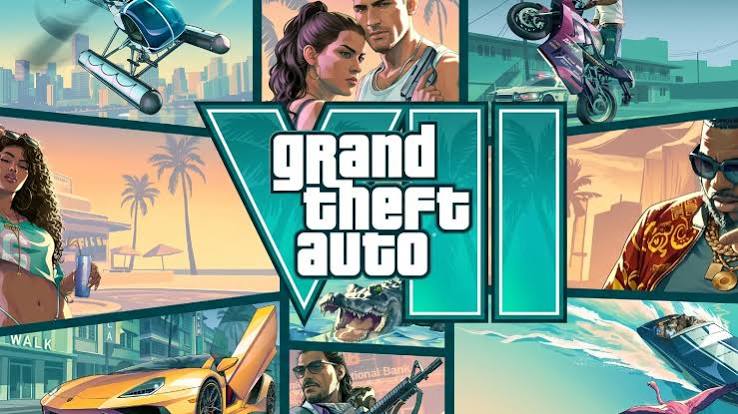
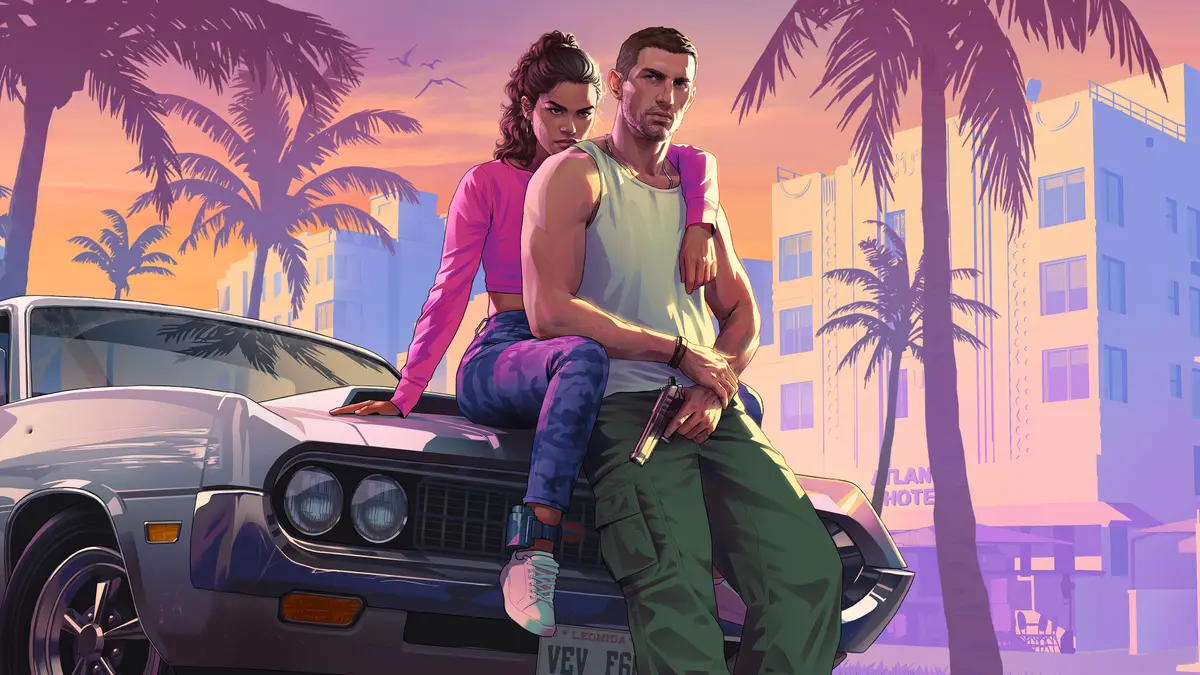
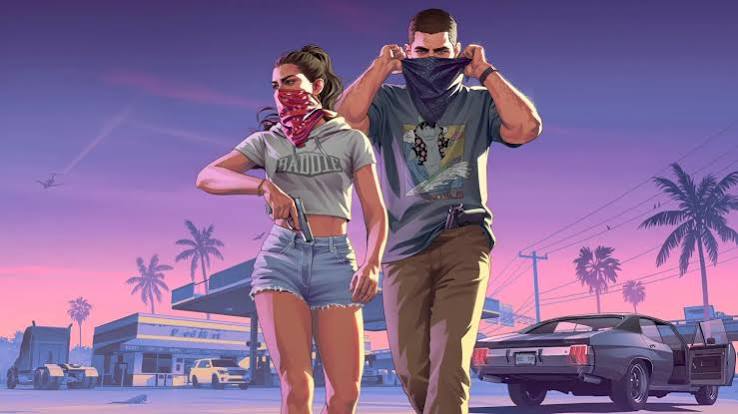

What is GTA Vice City?
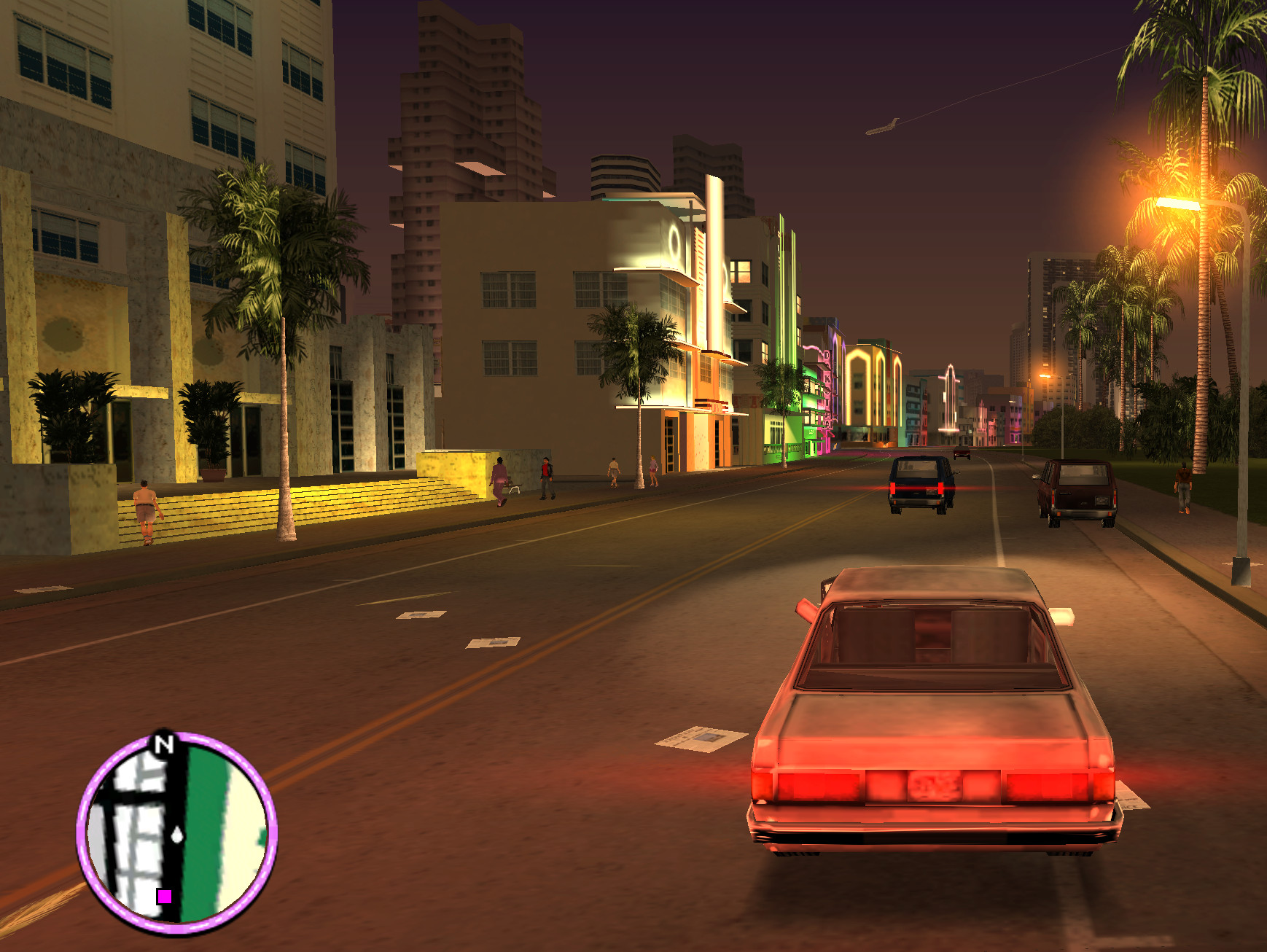
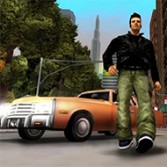
GTA Vice City is the 2002 open-world action game from Rockstar North, set in a neon version of 1980s Miami. It followed Grand Theft Auto III with a talking lead, pastel suits, motorbikes, helicopters and a much-loved soundtrack. More than twenty years later, GTA Vice City is still the game many fans name first when they talk about the series.
This page lets you open a browser version of GTA Vice City without leaving the tab. The player above loads a WebAssembly build from gtabrowser.com, an independent fan-made project. Press Play, then use the start button inside the frame. When GTA Vice City starts, the window grows so the city has room on screen.
The story of GTA Vice City
The story opens in 1986. Tommy Vercetti has just finished fifteen years in prison when his old Liberty City boss, Sonny Forelli, sends him south to oversee a large drug deal. The handover is ambushed, the money and the cocaine vanish, and Tommy is left owing a very dangerous man. That simple debt drives all of GTA Vice City.
To find out who set him up, Tommy works with the nervous lawyer Ken Rosenberg, the ambitious Lance Vance and the drug lord Ricardo Diaz. Jobs for hire slowly become a takeover. By the second half of GTA Vice City, Tommy is buying up businesses and building an empire of his own.
That rise from errand boy to crime boss is why the GTA Vice City campaign still feels so satisfying.
How to play GTA Vice City in your browser
Starting GTA Vice City takes only a few steps:
- Press Play on the cover. The GTA Vice City menu appears in the frame at the top of this page.
- Press the start button. The window expands automatically. If it does not, use the Expand button above the frame.
- Wait for the first setup. The GTA Vice City data loads while a progress screen shows how far it has come.
- Click inside the game. The frame needs focus before GTA Vice City can receive your keyboard and mouse.
- Go fullscreen. The Fullscreen button gives you the largest possible view of GTA Vice City.
The GTA Vice City menu also offers a Save Manager, a Mod Manager, touch settings and an FPS limit.
GTA Vice City controls
The GTA Vice City browser build supports a keyboard and mouse, compatible gamepads and on-screen touch controls. These are the default keyboard controls listed by the service:
| Action | Key |
|---|---|
| Move | W A S D |
| Camera and aim | Mouse |
| Fire | Left click |
| Target lock | Right click |
| Jump | Space |
| Sprint or accelerate | Shift |
| Crouch | Ctrl |
| Enter or exit a vehicle | F |
| Next or previous weapon | Tab / Q |
| Map | M |
| Horn | H |
| Handbrake | R |
| Pause and menu | Esc |
If a key seems to do nothing, click inside the frame once. The page around GTA Vice City cannot pass key presses to the game until the frame has focus.
Exploring the map of GTA Vice City
The map of GTA Vice City is split across two main islands joined by smaller ones. On the eastern side you will find Ocean Beach, Washington Beach and Vice Point. The western side holds Little Havana, Little Haiti, Downtown, the docks at Viceport and Escobar International Airport. Starfish Island, Prawn Island and Leaf Links sit between them.
The bridges between the two halves stay closed early in GTA Vice City, so the first hours focus on the beach side. Once the western island opens, the map feels much bigger. GTA Vice City rewards that curiosity with hidden packages, rampages, stunt jumps and side jobs in taxis, ambulances and police cars.
Build an empire with GTA Vice City properties
Properties are the feature that sets GTA Vice City apart from the game before it. After Tommy takes over the Vercetti Estate, he can buy businesses around town. Some unlock their own short mission chains, and finishing those turns the business into a steady source of income.
The Malibu Club, Sunshine Autos, Kaufman Cabs, the Print Works, the film studio and the boatyard are all worth a visit. If your GTA Vice City story seems to stall, check the map: buying the next property is often what moves things along.
GTA Vice City tips for new players
- Save often. Visit a save point after any difficult mission so one mistake does not cost you progress.
- Pick up armor and weapons first. Many GTA Vice City missions become easier when you arrive prepared.
- Use a motorbike for tight chases. Bikes slip through traffic, but one crash can throw you off.
- Lose the police at a Pay 'n' Spray. A quick respray clears your wanted level and keeps a run alive.
- Set the FPS limit to 30. The browser version explains that GTA Vice City was designed around 30 FPS, and unlocked frame rates can cause strange physics.
GTA Vice City cheat codes
Cheats are part of the GTA Vice City fun once you have seen the story. Type these during play, and keep a separate save because they can change how your session behaves:
- ASPIRINE: full health
- YOUWONTLIKETHIS: full armor
- LEAVEMEALONE: lower wanted level
- BRINGITON: six-star wanted level
- PANZER: spawn a Rhino tank
- BIGBANG: blow up nearby cars
- NUTTERTOOLS: heavy weapons
The in-game toolbar also includes a cheat panel, which is easier on a phone or tablet where typing a GTA Vice City code is awkward.
First load, saves and performance
GTA Vice City is not a tiny web game. The service says the first setup is roughly 701 MB, so a fast connection helps. Your browser stores the files locally using the Origin Private File System, and later visits can reuse them. Nothing is installed like a desktop program, but the data does take up browser storage.
Your GTA Vice City progress is stored in the browser too. The Save Manager can import and export compatible .b save files, which is the safest way to keep a backup. Clearing this site's data, or the embedded service's data, can remove both the cached game and your saves.
For smoother play, close heavy tabs, plug in your laptop and keep your browser up to date. If the screen stays black, turn on hardware acceleration and reload. On a phone, expect GTA Vice City to demand more memory and battery than a typical browser game.
GTA Vice City and the wait for GTA 6
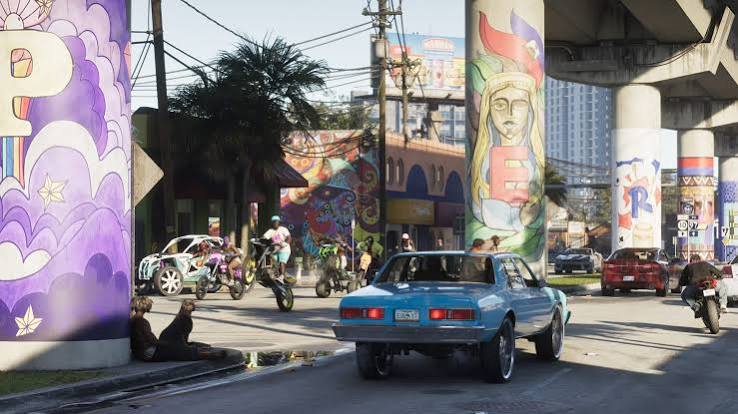
GTA 6 returns the series to Vice City, which is one big reason so many players are revisiting the original. Playing GTA Vice City now shows where those neon streets began.
Be careful, though: GTA Vice City is not GTA 6, and no website can give you the new game free in a tab. Our GTA 6 release time guide shows when it unlocks, the GTA 6 PC page tracks what has been confirmed for computers, and our GTA 6 cloud gaming guide explains streaming options.
About this GTA Vice City version
The GTA Vice City game on this page is embedded from gtabrowser.com, and that service runs its own files, storage and any advertising inside the frame. It describes itself as an independent fan project and asks players to use game data they are legally permitted to use. GTA 6 Browser and gtabrowser.com are not affiliated with, authorized by or endorsed by Rockstar Games or Take-Two Interactive. Grand Theft Auto and GTA Vice City are trademarks or property of their respective owners, and official editions are sold through authorized stores.
Want something lighter after GTA Vice City? Try the open-city driving in GTA on Browser, browse more free browser games, or head back to the GTA 6 Browser home page.